Estimation Builder requires JavaScript to sign in. This web browser either does not support JavaScript, or scripts are being blocked.
To find out whether your browser supports JavaScript, or to allow scripts, see the browser's online help.

Logging in and out

Sign in to your account and sign out safely when you're done.

Here's how to sign in to your account — and sign out safely when you're done.

Signing in
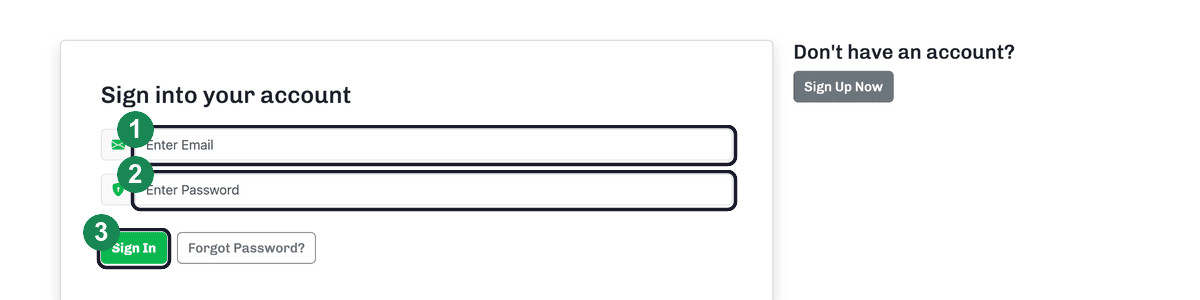
The login page with the email field, password field, and Sign In button highlighted and numbered.
The login page: enter your email (1) and password (2), then click Sign In (3).
  1. Go to the login page and enter your email.
  2. Enter your password.
  3. Click Sign In — you'll land on your dashboard.

Forgot your password? Click Forgot Password? just below the Sign In button — see Resetting your password.

Signing out

To sign out, click Sign Out in the top navigation bar. For your security, this fully ends your session — worth doing on shared or public computers.

New here? Start with Signing up and starting your free trial.

Related articles

Ready to put this to work?

Start your free trial of Estimation Builder — $19/month, no credit card required.

Start your free trial