The first time you sign in, a short setup wizard helps you get your company details in place so your estimates and PDFs look professional from day one.
The guided setup
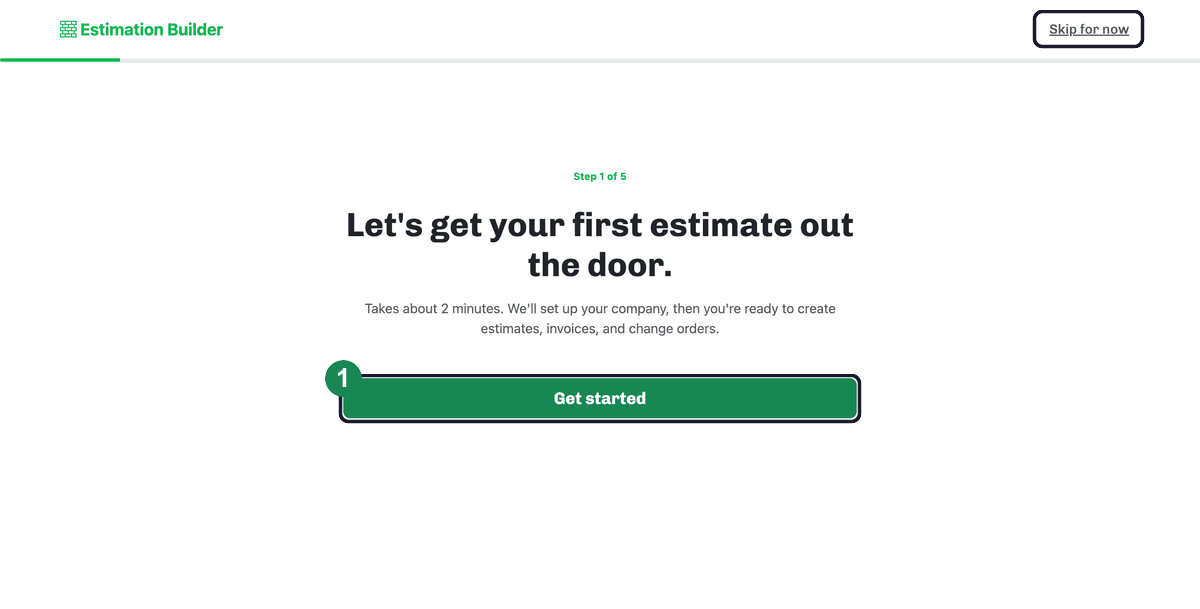
The wizard is a quick, five-step flow that takes about two minutes. Click Get started to begin, then it walks you through:
- Your company — your company name is the only required field (address and phone are optional, under More details). This is what appears on your estimates, invoices, and PDFs.
- Your first customer — a name, plus an email if you have one, for the customer this estimate is for.
- Your first estimate — a title and one line item: what you're billing for, the price, the quantity, and how it's charged.
- A preview — a look at the finished estimate before you wrap up.
When you click Finish setup, that customer and first estimate are already saved in your account — so you land on your dashboard with real work started, not an empty screen.
Prefer to skip it?
Click Skip for now (top right) to jump straight to your dashboard. You won't lose anything: your setup steps reappear as a checklist on your dashboard, so you can finish setup whenever you like — see The onboarding checklist.
Next: Build your first real estimate — see Creating an estimate.