If you skip the setup wizard — or just want a reminder of what's left — your dashboard shows a setup checklist until you've finished the key first steps.
What's on the checklist
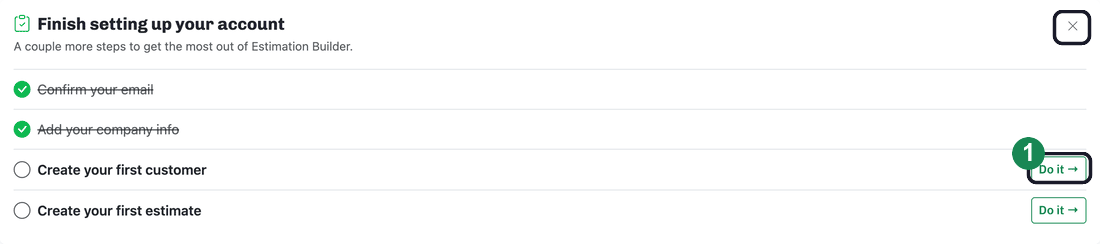
The “Finish setting up your account” card tracks four steps:
- Confirm your email
- Add your company info
- Create your first customer
- Create your first estimate
Most unfinished steps have a Do it → link that takes you straight to the right place. (Confirming your email is the exception — use the link in the verification email, or click Resend link in the yellow bar at the top of the page.) As you complete a step, it's checked off and crossed out.
Dismissing the checklist
The checklist disappears on its own once every step is done. To hide it sooner, click the Dismiss (×) button in the top-right corner of the card.