Your account page is where you manage the email tied to your account. Here's how to get there and what you can change.
Open your account
Click Account in the top navigation. You'll land on the Account Information page, which has two parts: My Profile (your account at a glance) and Update Profile (where you make changes).
What's shown under My Profile
The My Profile box shows your Login Email (the address you sign in with), the date your account was activated, and the date you registered. These are for reference.
Update your contact email
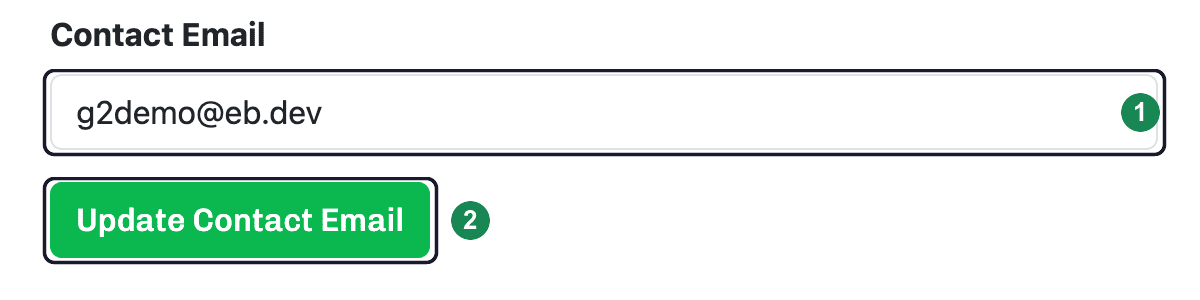
Under Update Profile, the Contact Email is the address your customers can reach you at — it's separate from the login email you sign in with. To change it, type the new address in the Contact Email field and click Update Contact Email. The change takes effect right away.
Tip: Want to change your company name, address, or phone number that appear on estimates? Those live on a separate page — see Your company details.