You can change your password any time while you're signed in — no reset link required.
Open your account
Click Account in the top navigation to open the Account Information page, then find the password fields under Update Profile.
Enter your new password
To change your password, fill in all three fields:
- Current Password — the password you use now, so we know it's really you.
- New Password — the password you'd like to switch to.
- New Password Confirmation — type the new password again to confirm it.
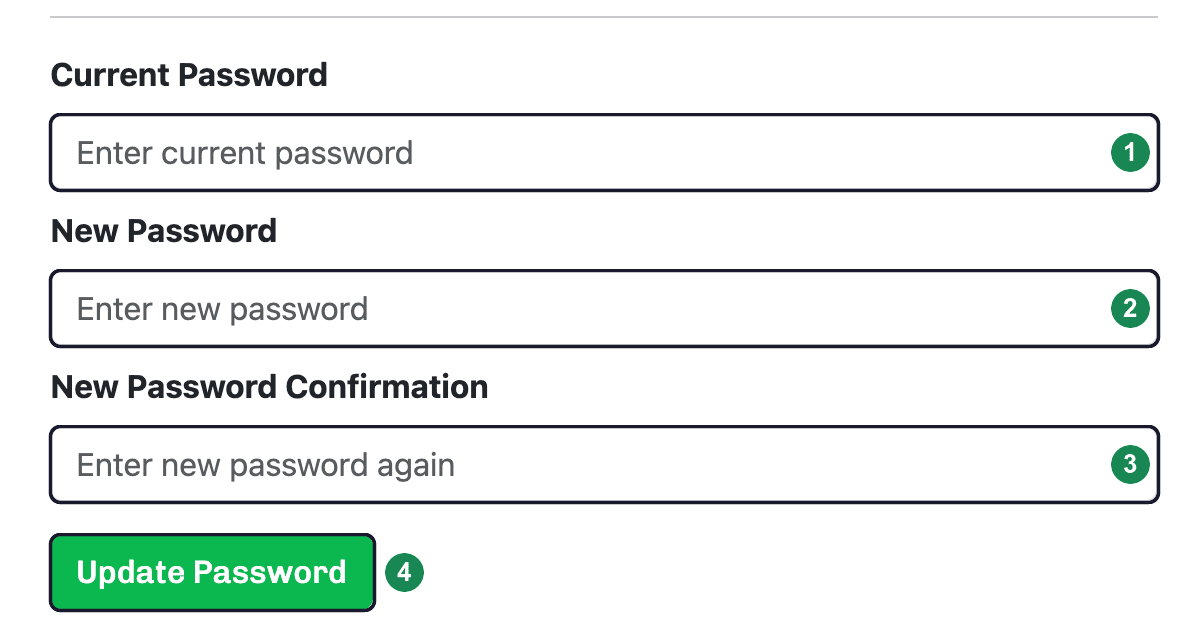
Click Update Password to save. You'll stay signed in, and you'll use the new password the next time you log in.
Tip: Locked out and can't sign in? You don't need this page — reset your password from the login screen instead. See Resetting your password.