Your company details appear on the estimates and PDFs you send, and they set the defaults for new estimates. Everything on this page saves automatically as you type — there's no Save button to remember.
Open company details
Click Account in the top navigation, then choose Company — or click the Company card on your dashboard. The page is titled Company Details, and a small status note near the heading confirms your changes as they save.
Identity
- Name — your company name, shown on your documents.
- Phone — your business phone number.
- Disclaimer — optional text that prints on your estimates, such as warranty terms or conditions. Leave it blank if you don't need one.
Address
Enter your Street, City, State, and Zip. This is the address customers see on their estimates.
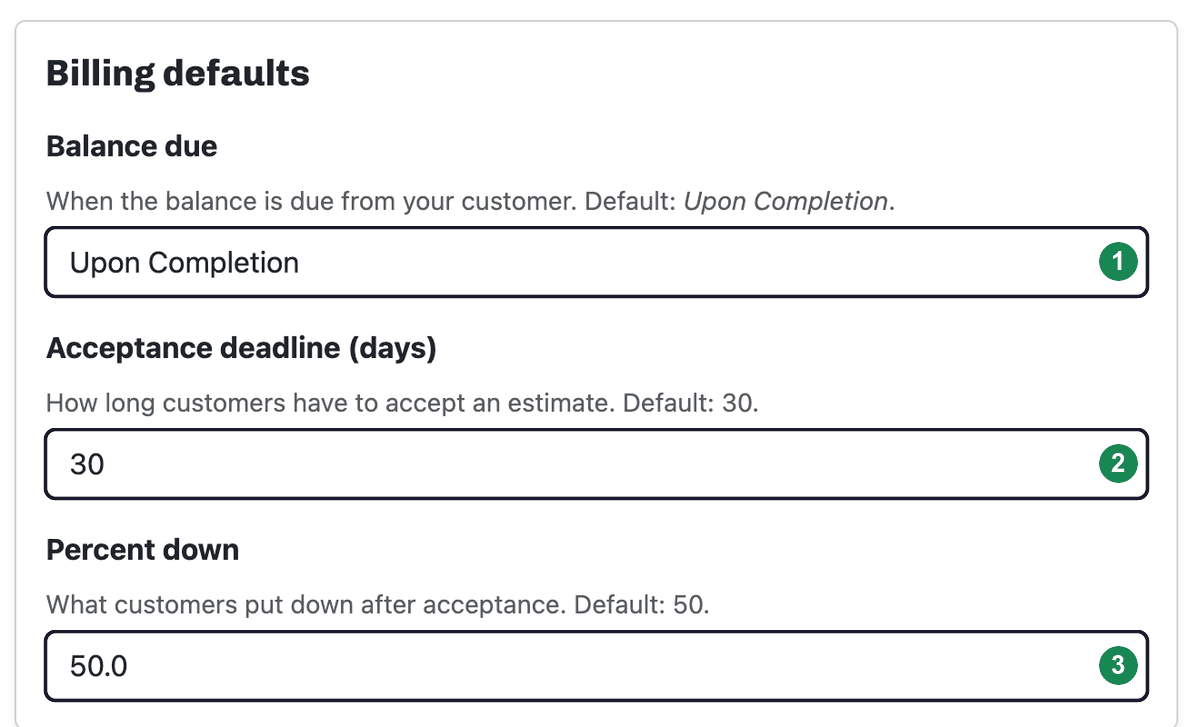
Billing defaults
These set the starting values for new estimates so you're not retyping them each time:
- Balance due — when the balance is due from your customer. The default is Upon Completion.
- Acceptance deadline (days) — how long customers have to accept an estimate before it expires. The default is 30. An expired estimate can always be brought back — see Renewing an expired estimate.
- Percent down — the deposit customers put down after they accept. The default is 50.
Next: Set up the signature that goes on your estimates — see Adding and updating your signature.