If you keep your books in QuickBooks, you can send a month of your invoices over without retyping them. Estimation Builder emails you a file formatted for your version of QuickBooks, ready to import.
Open the QuickBooks export
Click QuickBooks Export from your dashboard.
Set your accounts first
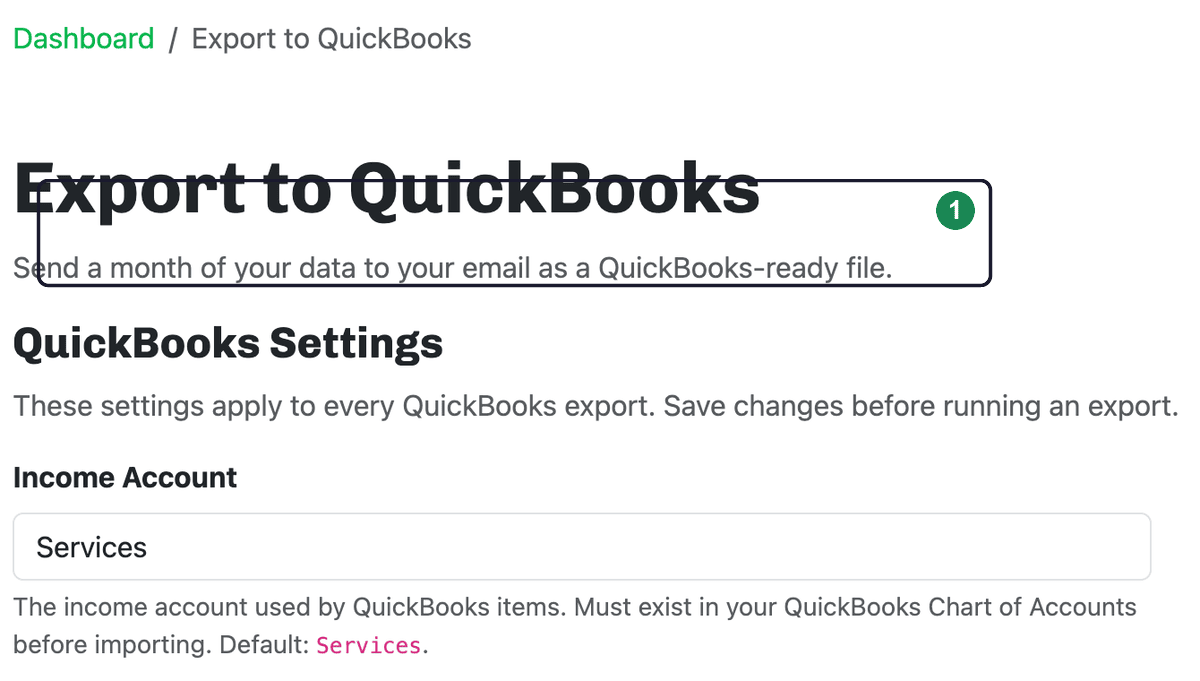
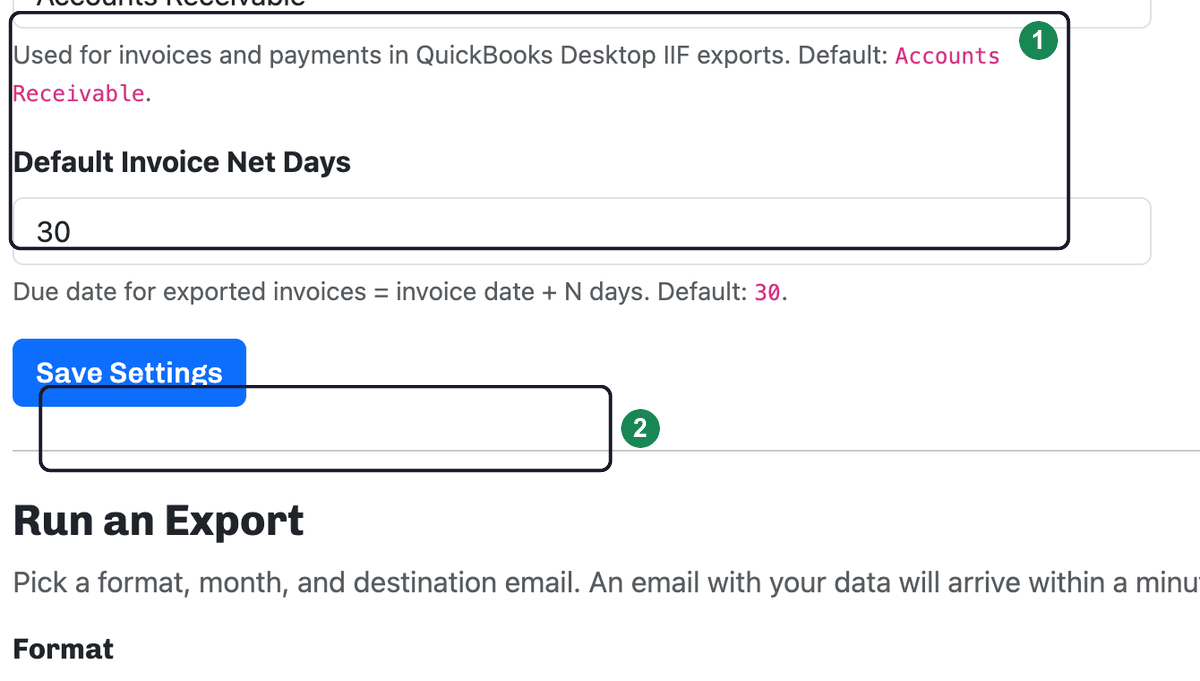
Under QuickBooks Settings, tell us which accounts your invoices should post to. These apply to every export, so you only set them once — just Save Settings before running an export.
- Income Account — the QuickBooks account your invoice income posts to. It must already exist in your QuickBooks chart of accounts (the default is Services).
- Accounts Receivable Account — used for invoices and payments in QuickBooks Desktop (IIF) exports (the default is Accounts Receivable).
- Default Invoice Net Days — how many days after the invoice date payment is due (the default is 30).
Run an export
Under Run an Export:
- Choose the Format that matches your QuickBooks:
- QuickBooks Online — CSV files.
- QuickBooks Desktop — an IIF file.
- Pick the Month (and year) whose invoices you want to include.
- Click Send Export.
We'll email the file to your account's address. Open the email, download the attachment, and import it into QuickBooks. The page also keeps a history of the exports you've requested.
Related: Exporting your data as CSV.