You can download your data from Estimation Builder any time as a CSV — a plain spreadsheet file that opens in Excel, Google Sheets, or Numbers. It's perfect for backups, reporting, or moving data to another tool.
Open the export page
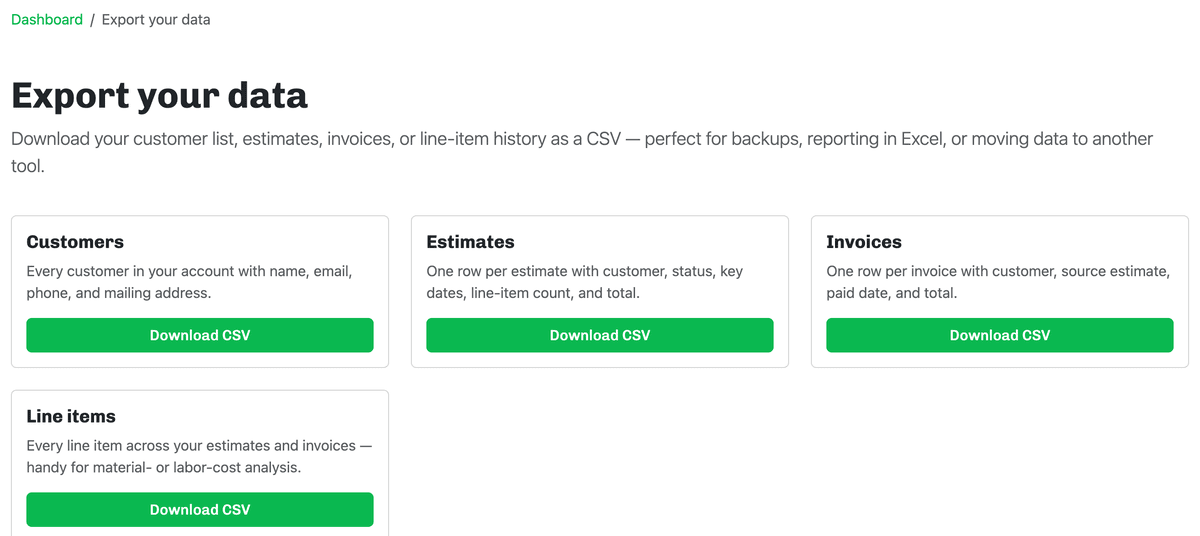
Click Export Data from your dashboard. The Export your data page offers four downloads, each with its own Download CSV button:
- Customers — every customer with name, email, phone, and mailing address.
- Estimates — one row per estimate with the customer, status, key dates, line-item count, and total.
- Invoices — one row per invoice with the customer, source estimate, paid date, and total.
- Line items — every line item across your estimates and invoices, handy for material- or labor-cost analysis.
Download a file
Click Download CSV on the data you want and the file saves to your computer. Exports stream live from your account, so they always reflect exactly what's in Estimation Builder right now.
Next: Use QuickBooks for your books? Send your invoices straight over — see Sending invoices to QuickBooks.